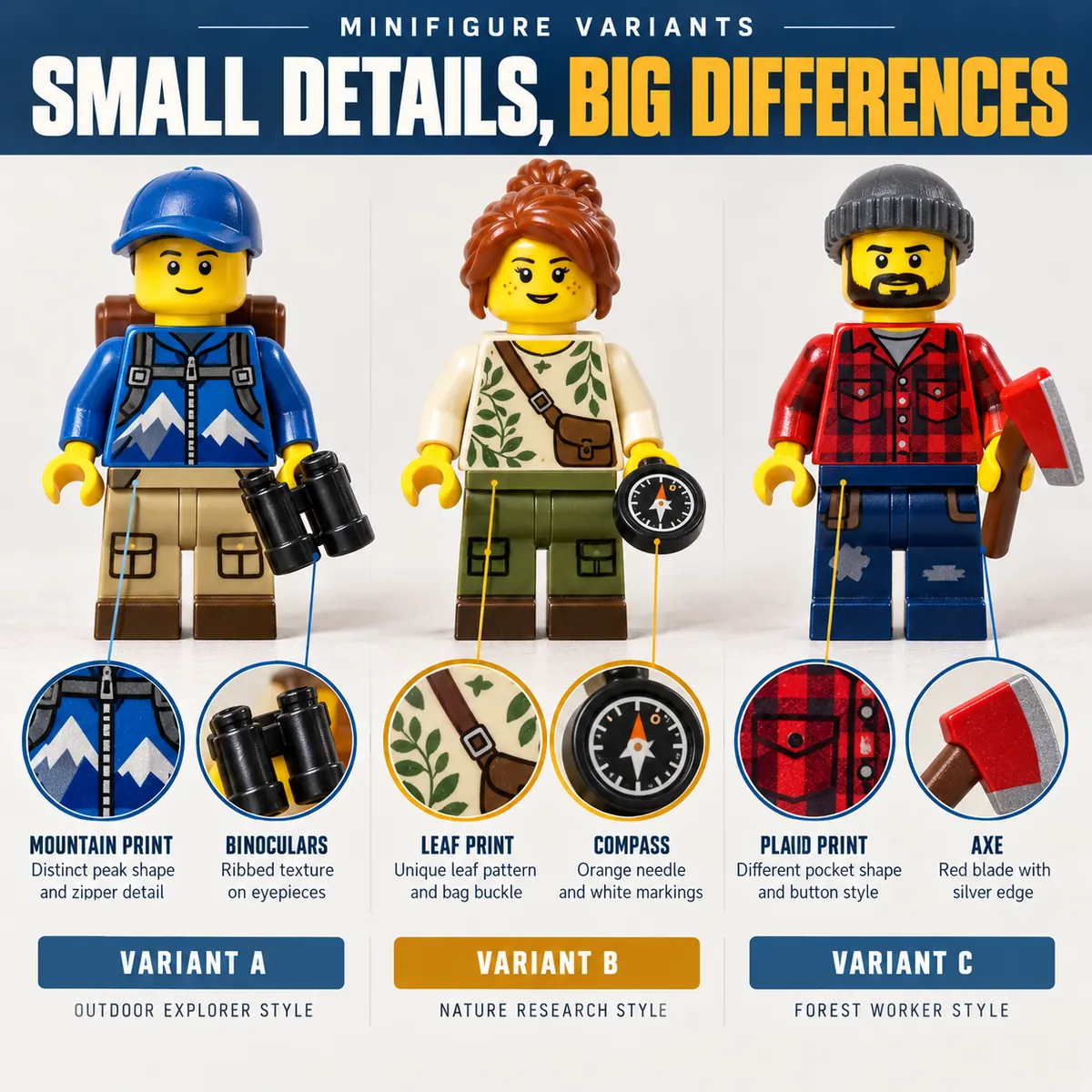
A useful LEGO minifigure identifier should return more than a character name. It should help you reach a specific figure number, explain which visual clues support the match and show where to verify the result. The quickest workflow is to start with a clear photo, compare the five physical clues below and then check the same entry in a trusted catalog.
If you already have a front-facing photo, you can try the photo identifier on the home page. It returns a catalog candidate when the image is clear enough; treat that candidate as a starting point for a manual check rather than an authenticity certificate.
What should a LEGO minifigure identifier return?
Identification and valuation answer different questions. Identification asks, “Which catalog entry is this?” Valuation asks, “What do comparable examples sell for in this condition?” A good identifier connects the two without presenting an estimate as a guaranteed sale price.
| Field | Why it matters | What to record |
|---|---|---|
| Figure number | Separates near-identical releases. | Exact catalog ID and variant suffix. |
| Character or role | Gives the match a readable name. | Name, theme and series. |
| Release context | Explains why two similar figures differ. | Year, set, promotion or event. |
| Completeness | Prevents an accessory mismatch. | Headgear, cape, tool, weapon and other parts. |
| Condition | Controls the price comparison. | Cracks, fading, wear, loose joints and missing parts. |
Capture the clues
Photograph the front, back, prints, headgear and loose accessories.
Confirm the entry
Compare the candidate with a catalog image and record its exact number.
Check the market
Use completeness and condition notes before comparing sold examples.
Start with a clear photo
Photo quality affects the match before any catalog logic does. Put the figure on a plain, light background and use soft daylight or a lamp aimed from the side. Avoid strong reflections on helmets and dark shadows under the arms. A phone camera is enough when the figure fills most of the frame and the torso print is in focus.
- Take a front photo. Keep the figure upright, with both arms visible and the torso facing the camera.
- Add a back photo. Back printing, capes, oxygen tanks and hair seams can rule out a tempting but incorrect match.
- Photograph loose accessories. Put unusual helmets, tools and weapons beside the figure instead of hiding them in a pile.
- Retake blurry details. A close crop of the torso and face is more useful than a distant group photo.
Do not edit out scratches or change the colors before identification. Filters can hide the very details that distinguish one release from another.
Match the five identity clues
When an identifier suggests a result, compare the physical figure in a fixed order. This keeps a familiar character name from overpowering the small evidence that matters.
1. Head and face print
Look for alternate expressions, facial hair, scars, glasses and double-sided faces. A plain yellow head can be common, while a specific expression may narrow the catalog entry quickly.
2. Torso front and back
Torso printing is often the strongest clue. Compare the collar, belt, emblem, buttons and color blocks. Check the back for a backpack, armor or second print before accepting a match.
3. Legs and hips
Printed legs, dual-molded colors and hip tones can distinguish versions that share the same head and torso. Photograph the legs separately if the figure has a skirt, armor or unusual waist piece.
4. Headgear and hair
Helmets and hairpieces are frequently swapped. Check the underside, visor shape, molding lines and color. A correct body with a replacement helmet should be recorded as an incomplete or mixed example.
5. Accessories
Capes, tools, weapons, shields and backpacks can confirm a release, but they can also mislead if they came from another figure. Keep uncertain accessories separate until the catalog page confirms them.
Use the catalog number to verify a close match
Once you have a candidate, open a catalog entry and compare the image, number and release context. Brickset's minifigure database is useful for browsing themes and release history. For market context, BrickLink's Price Guide documentation explains how current listings and past sales are presented.
Write the catalog number next to your photo and note the date of the check. If the catalog image shows a different headgear, print or accessory, go back to the candidate list instead of forcing the closest name to fit.
When a photo scanner helps, and when it does not
A photo scanner is helpful when you have an unknown loose figure and need a short list of catalog candidates. It is less dependable when the image contains several figures, the torso is hidden, the colors are altered, or the accessory is from another release. A scanner cannot prove provenance, plastic composition or whether a rare part is genuine.
The Lego minifigure scanner on this site is designed for that first pass: upload one clear figure photo, review the suggested number, then compare the details yourself. Identification is free within the site's current scan allowance; a value report is a separate market-context step.
Identifier vs. price estimate vs. authenticity check
| Task | Question answered | Evidence needed |
|---|---|---|
| Identification | Which LEGO minifigure is this? | Parts, prints, colors and catalog images. |
| Value estimate | What range do comparable examples show? | Exact ID, condition, completeness and recent sales. |
| Authenticity review | Does this example appear genuine? | Print quality, mold details, fit, provenance and a second opinion for expensive pieces. |
For a practical pricing workflow, continue to the LEGO minifigure price guide. If the identified entry looks unusual or promotional, the most valuable LEGO minifigures guide shows why exact variants and dated source checks matter.

Common identifier mistakes
| Mistake | Why it fails | Better check |
|---|---|---|
| Searching only the character name | One character can have many releases. | Compare torso, headgear and year. |
| Using the highest asking price | An active listing is not a completed sale. | Separate condition and review several sold examples. |
| Trusting one blurry photo | Print and mold details disappear. | Retake front, back and close-up photos. |
| Including every nearby accessory | Parts may belong to another figure. | Match each accessory to the catalog entry. |
| Calling an identifier an appraisal | A candidate does not establish a guaranteed price. | Use the estimate as dated research context. |
FAQ: LEGO minifigure identifiers
What is the best LEGO minifigure identifier?
The best option depends on the evidence you have. A photo identifier can suggest a catalog candidate quickly, while Brickset and BrickLink help you verify the exact number, parts and market context. Use more than a character name before valuing a figure.
Can I identify a LEGO minifigure from a photo?
Often, yes. Use one clear front photo plus close-ups of the torso, face, headgear and accessories. A scanner can suggest a match, but you should compare the candidate with a catalog image before treating it as confirmed.
Is a LEGO minifigure identifier the same as a price guide?
No. An identifier answers which figure you have. A price guide compares that exact entry with condition-specific listings or past sales. Confirm the number first, then use market data for the estimate.
What if my LEGO minifigure has a mixed accessory?
Record the accessory separately and compare it with the catalog entry. A genuine body with a replacement helmet, cape or weapon is not the same completeness as a matched example, so describe the mix before checking value.
Can an app prove a LEGO minifigure is authentic?
No. Image identification can point to a likely catalog entry, but it cannot prove provenance, plastic composition or authenticity. For an expensive figure, compare mold and print details and ask an experienced collector for a second opinion.
Practical takeaway
The most reliable LEGO minifigure identifier workflow is small and repeatable: photograph the figure clearly, compare the head, torso, legs, headgear and accessories, confirm the catalog number, and only then review condition-specific market data. That sequence keeps a familiar character name from turning into the wrong variant or an inflated estimate.
Ready to start with a photo? Open the identifier tool and keep the catalog number beside your notes. You can return to the price guide once the identity and condition are clear.
Identify a minifigureLEGO is a trademark of the LEGO Group, which does not sponsor or endorse this site. The images on this page are editorial illustrations, not official LEGO catalog photographs.